
Local Development Setup
This guide walks through setting up the VaultLens development environment on your local machine.
Prerequisites
- Node.js 22+
- Docker & Docker Compose
- Git
1. Clone the Repository
git clone https://github.com/Jasonrve/vaultlens.git
cd vaultlens
2. Start a Local Vault Instance
The repository includes a Docker Compose file that starts Vault in dev mode and runs a bootstrap script to seed it with realistic test data:
docker compose -f docker-compose-development.yml up -d vault vault-initThis starts:
- Vault at http://localhost:8200 — dev mode with root token
root - vault-init — runs
vault/scripts/bootstrap.sh, which seeds:- Multiple KV engines with example secrets
- ACL policies (
admin,readonly,app-specific,vaultlens-admin,vaultlens-system) - Auth methods (AppRole, GitHub, Kubernetes, LDAP, OIDC, USERPASS, ...)
- Identity entities and groups
3. Configure the App
Create app/.env:
PORT=3001
NODE_ENV=development
VAULT_ADDR=http://127.0.0.1:8200
VAULT_SYSTEM_TOKEN=root
VAULT_SKIP_TLS_VERIFY=false
4. Start VaultLens
cd app
npm install
npm run dev
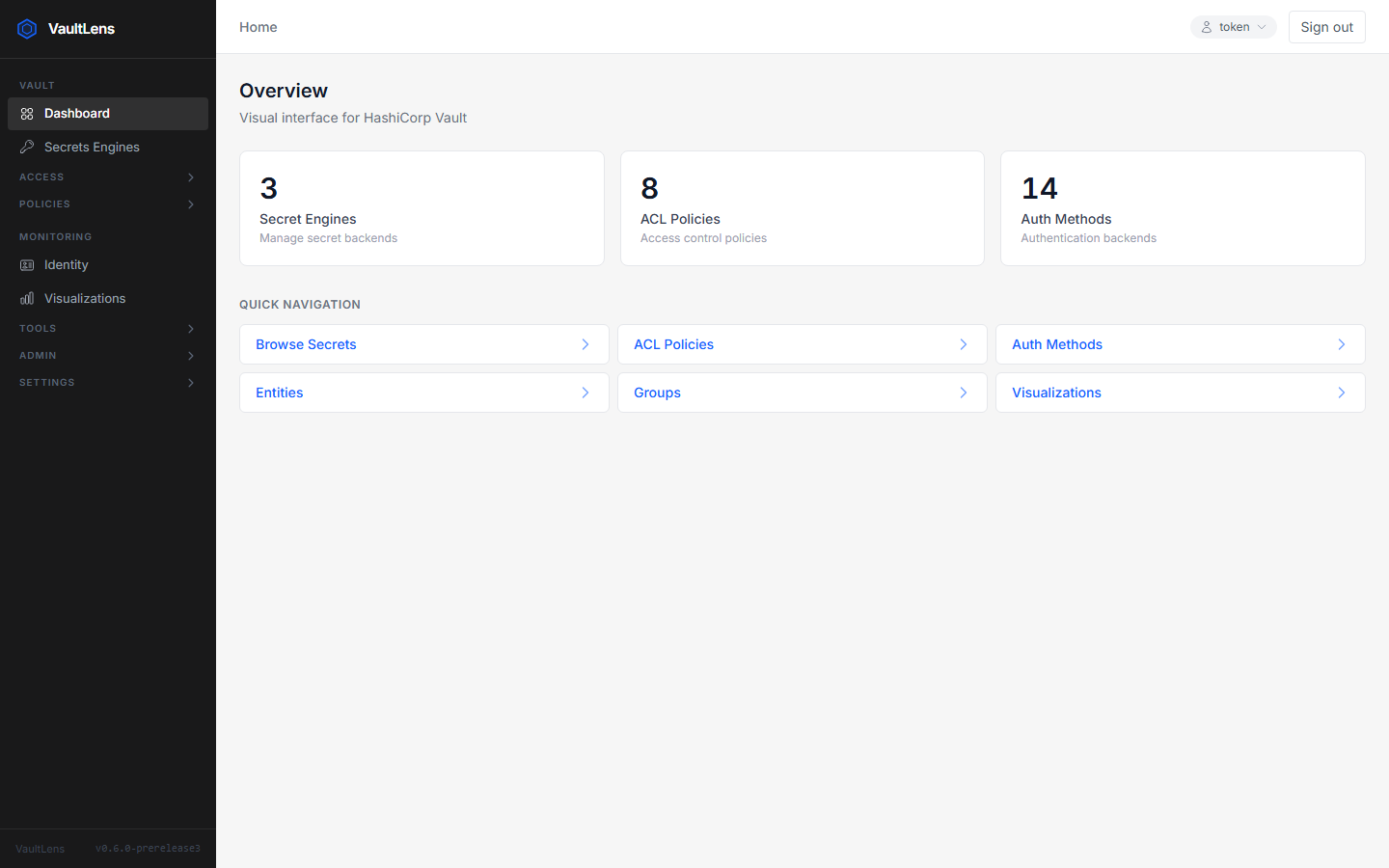
VaultLens starts at http://localhost:3001. Login with token root.
Available Scripts
| Script | Description |
|---|---|
npm run dev | Start dev server with HMR (Vite + tsx watch) |
npm run build | Build client (Vite) + server (tsc) for production |
npm start | Serve the production build |
npm run lint | Run ESLint |
Project Structure
app/
  src/
    client/              # React SPA (Vite + TypeScript)
      components/        # UI components, organized by domain:
        auth/            #   LoginPage
        auth-methods/    #   AuthMethodList, Detail, Config, Tune, RoleList, RoleDetail
        common/          #   Badge, Breadcrumb, ErrorMessage, JsonEditor, Modal, Table, ...
        graphs/          #   React Flow graph components
        identity/        #   EntityList, EntityDetail, GroupList, GroupDetail
        layout/          #   Layout, Header, Sidebar
        policies/        #   PolicyList, PolicyDetail, PolicyStructure
        secrets/         #   SecretsEngineList, SecretsList, SecretView, SecretEditor, ...
      lib/
        api.ts           # Axios client (baseURL=/api, withCredentials, CSRF interceptor)
        crypto.ts        # OpenPGP helpers (encrypt/decrypt for secret sharing)
      pages/             # Route-level page components (17 pages)
      stores/            # Zustand stores (auth, branding, vault)
      types/             # Shared TypeScript types
    server/              # Express API
      app.ts             # Middleware stack + route mounting
      server.ts          # HTTP server + background service startup
      config/
        index.ts         # Environment variable configuration
      lib/
        vaultClient.ts   # Vault HTTP API wrapper (get/post/put/delete/list)
        systemToken.ts   # System token resolution (K8s auth / AppRole / static)
        policyInit.ts    # Auto-creates vaultlens-admin policy on startup
        configEncryption.ts  # AES-256-GCM for AppRole credential storage
        config-storage/  # Pluggable config backend (file / vault)
      middleware/
        auth.ts          # Per-request Vault token validation
        csrf.ts          # Double-submit cookie CSRF
        errorHandler.ts  # Centralised generic error responses
        requireAdmin.ts  # root or vaultlens-admin policy required
      routes/            # 14 route modules (one per API domain)
      types/
        index.ts         # Server-side types (AuthenticatedRequest, GraphNode, ...)
    shared/
      policyEvaluator.ts # HCL policy parser + capability evaluator (used by permission tester)
vault/
  policies/              # HCL ACL policies loaded during bootstrap
  scripts/
    bootstrap.sh         # Seeds local Vault with test data (must use LF line endings)
charts/
  vaultlens/             # Helm chart
docs/                    # This VitePress documentation site
Vault API Wrapper
All server-side calls to Vault go through vaultClient:
// app/src/server/lib/vaultClient.ts
vaultClient.get<T>(path, token)
vaultClient.post<T>(path, token, body)
vaultClient.put<T>(path, token, body)
vaultClient.delete(path, token)
vaultClient.list<T>(path, token)  // Vault LIST HTTP method
It throws VaultError (with .statusCode) on non-2xx responses. Route handlers catch VaultError and call next(error) to let the centralized handler respond.
Route Handler Pattern
router.get('/some-resource', authMiddleware, async (req, res, next) => {
  const { vaultToken } = req as AuthenticatedRequest
  try {
    const result = await vaultClient.get<MyType>('/v1/some/path', vaultToken)
    res.json(result)
  } catch (err) {
    if (err instanceof VaultError && err.statusCode === 404) {
      return res.status(404).json({ error: 'Not found' })
    }
    next(err)
  }
})
Config Storage
VaultLens stores its own configuration in a pluggable backend. In development this uses the file backend (app/data/config.ini). To test the Vault-backed config storage:
# In app/.env
VAULTLENS_CONFIG_STORAGE=vault
This requires the Vault KV v2 engine vaultlens-conf to exist (created automatically by VaultLens on first use).
Hot Reload
npm run dev starts both the Vite dev server (React HMR) and the Express server with tsx watch. Changes to client code reload instantly; changes to server code restart the Express process automatically.
Building for Production
cd app
npm run build
# Outputs:
#   dist/client/   <- Vite-built React SPA
#   dist/server/   <- tsc-compiled Express server
npm start