
Secret Management
VaultLens provides a full-featured interface for browsing and editing secrets across all mounted KV engines.
Secrets Engines
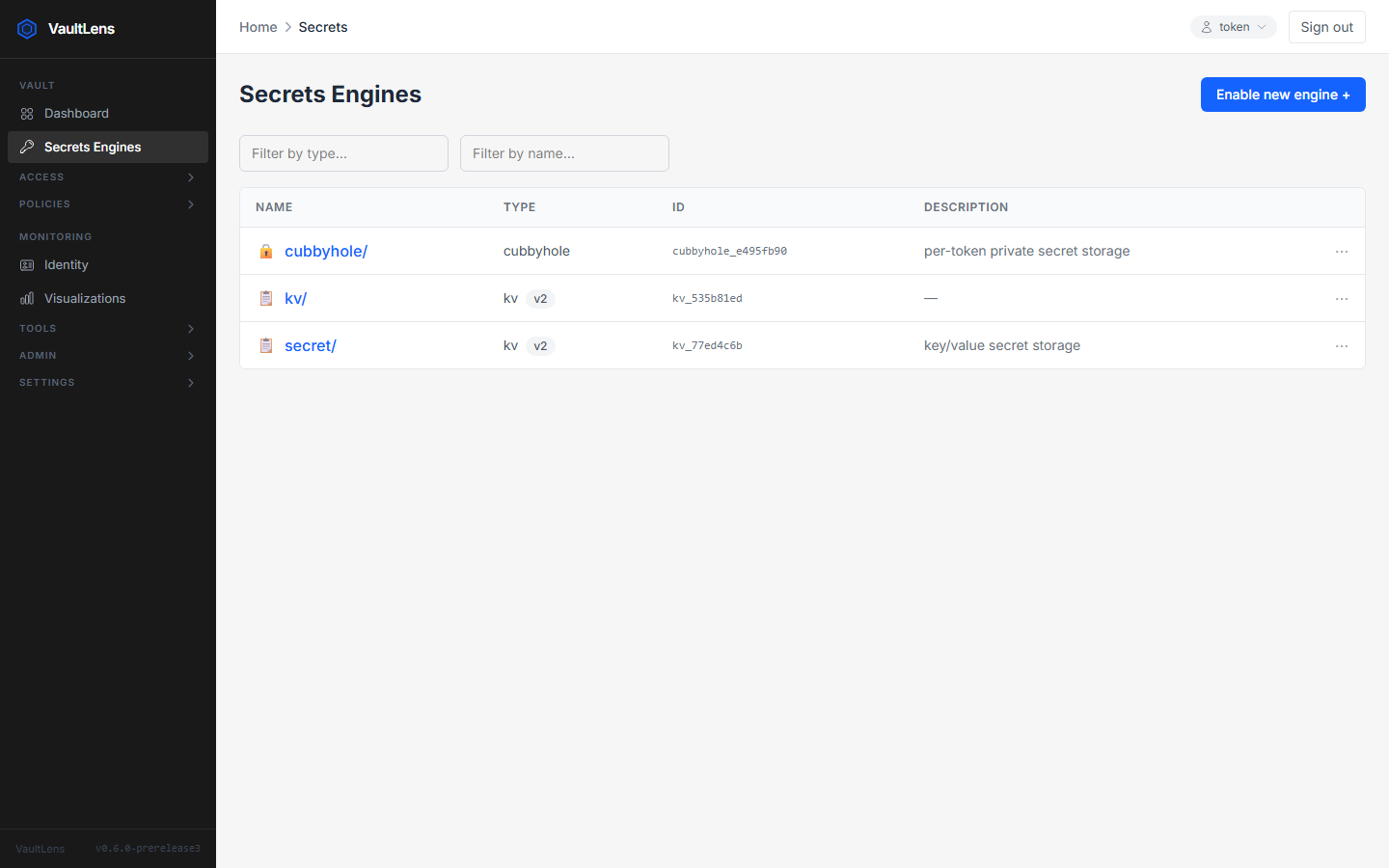
The Secrets page lists all KV v1 and v2 engines with their type, accessor ID, and description. Internal engines (identity/, sys/) are hidden.
Browsing Secrets Within an Engine
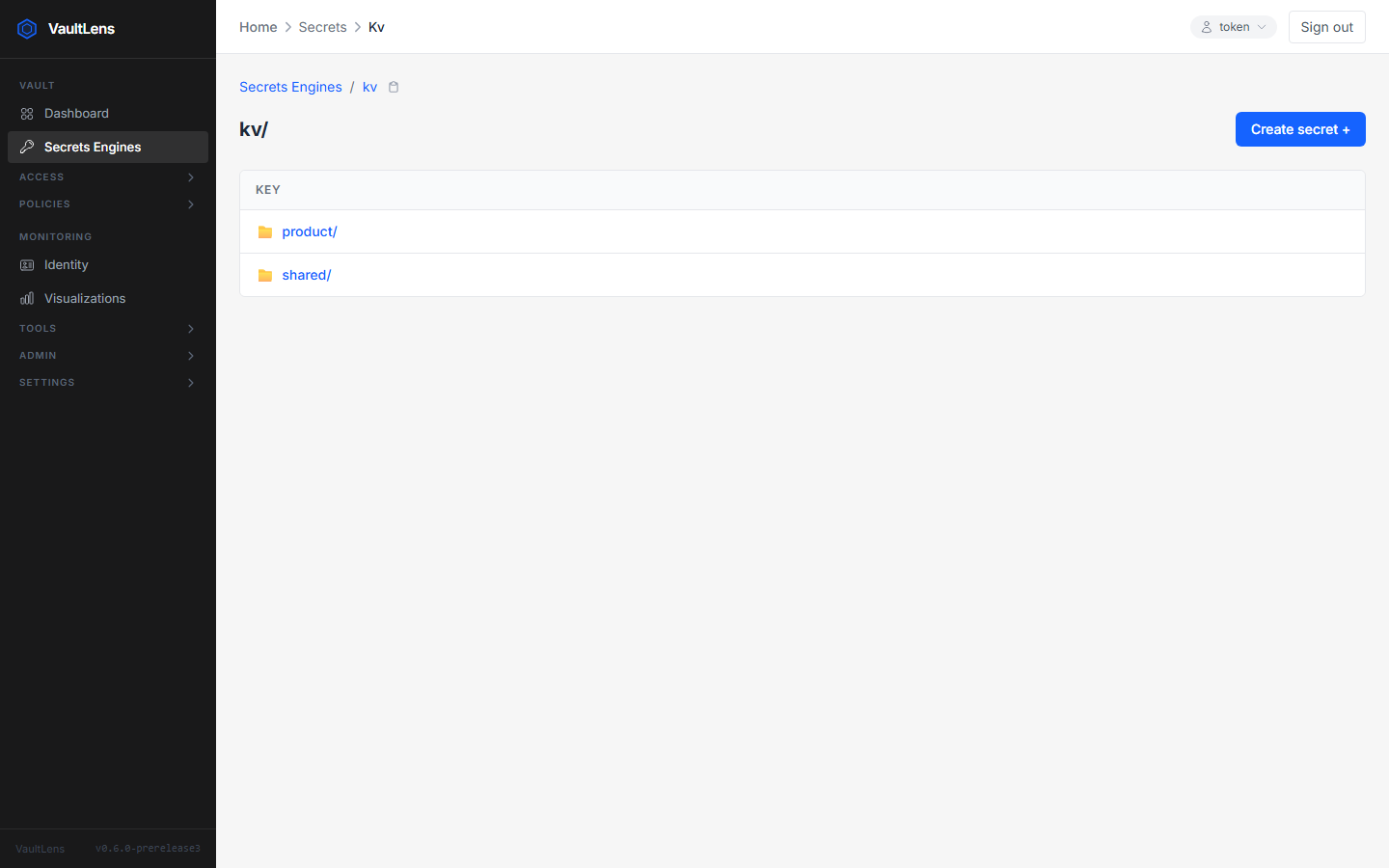
Click any engine to navigate its path hierarchy. Folders and secrets are listed together with breadcrumb navigation.
Viewing a Secret
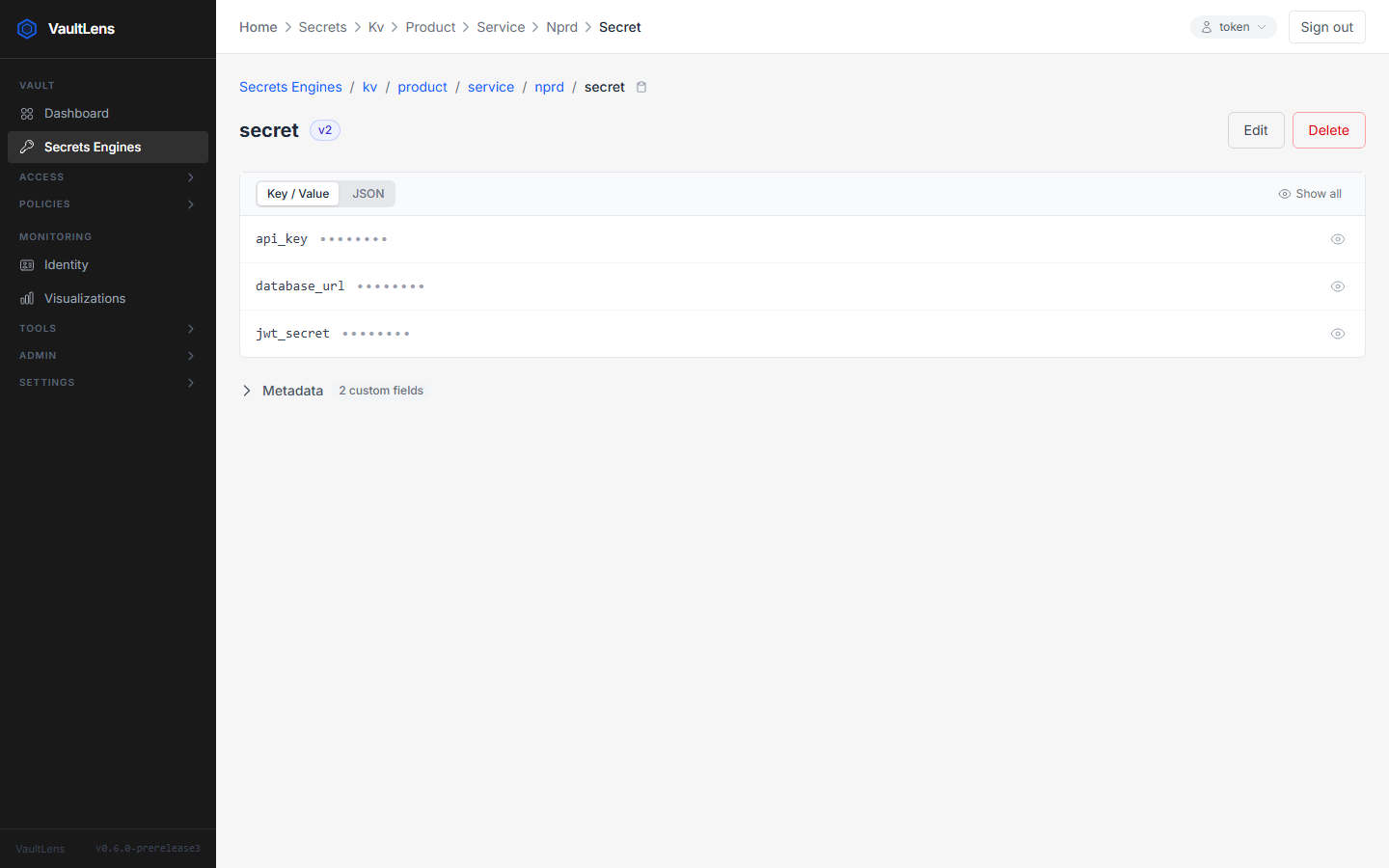
Click any secret to open the detail view. Two display modes are available:
| Mode | Behaviour |
|---|---|
| Key / Value | Table rows with key names and masked values. Per-key eye icon to reveal/hide. Show all / Hide all buttons. |
| JSON | Full secret as a formatted JSON object. Reveal/mask toggle + copy-to-clipboard. |
Values are loaded when you open the secret (if you have read permission).
Editing Secrets
Click Edit to modify a secret. The editor supports:
- Adding / removing key-value pairs
- Editing values inline
- Updating custom metadata (for KV v2)
Restricted-Access Secrets
When you have list permission on a secret path but not read permission:
- VaultLens displays the field names (keys) but never reveals values
- Values are permanently masked with
•••••••• - An amber "Restricted access" banner explains the situation
- A Partial Update button is available
Partial Update (Secure Merge)
The Partial Update flow lets you modify individual fields of a secret you cannot read:
- Open the merge editor — it shows field names with
********placeholders - Edit only the fields you want to change (leave others blank to preserve them)
- Submit — the backend reads the existing secret with the system token, merges your changes, and writes back using your token
Vault's ACL policies still control write access. You never see values you aren't permitted to read.
KV v2 Metadata
For KV v2 secrets, VaultLens displays:
- Current version number
- Creation and update timestamps
- Deletion state
- Custom metadata — editable key-value pairs
Secret Rotation
Set rotate-interval in the custom metadata to enable automatic rotation. See Secret Rotation for details.
Path Validation
VaultLens validates secret paths on the client and server to prevent path traversal attacks. Paths are encoded with encodeURIComponent() before being passed to the Vault API.