
Webhook Notifications
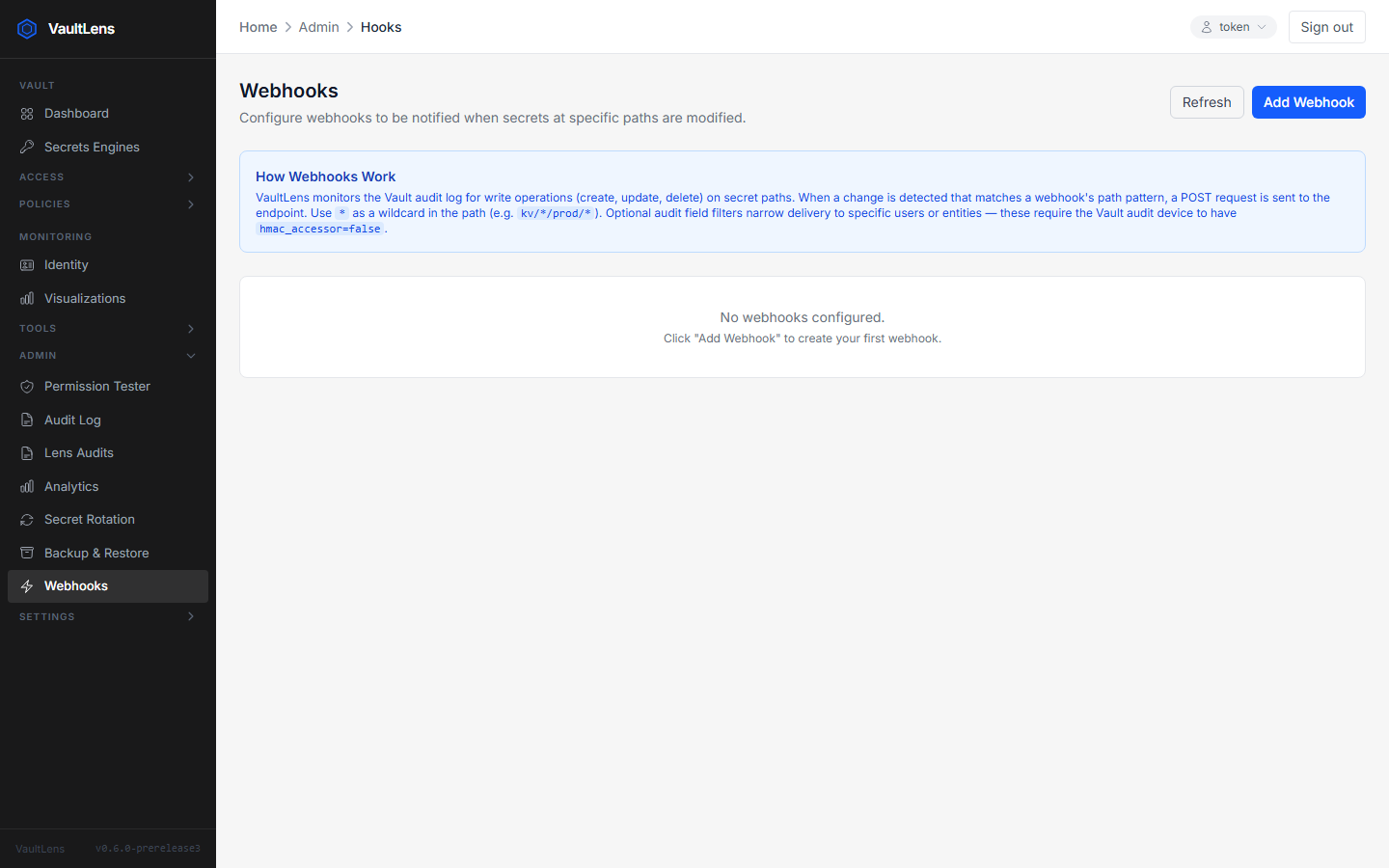
VaultLens monitors the Vault audit log and fires HTTP POST webhooks when secrets at matching paths are modified.
How It Works
- VaultLens polls the Vault audit log every 5 seconds (via the audit watcher)
- Each audit log entry is compared against all configured webhook path patterns
- When a match is found, VaultLens sends an HMAC-signed HTTP POST to the webhook URL
Creating a Webhook
Navigate to Admin → Webhooks and click Add Webhook:
| Field | Description |
|---|---|
| Name | Human-readable label |
| URL | HTTP(S) endpoint to POST to |
| Path Pattern | Vault path glob (e.g. secret/data/myapp/*) |
| Operations | Which operations to watch: create, update, delete |
| Secret | HMAC signing secret (optional but recommended) |
Webhook Payload
json
{
  "event": "secret.updated",
  "path": "secret/data/myapp/config",
  "operation": "update",
  "timestamp": "2024-01-15T10:30:00.000Z",
  "remote_address": "10.0.0.5"
}
If a signing secret is configured, a X-VaultLens-Signature header is included:
X-VaultLens-Signature: sha256=<hmac-hex>Testing a Webhook
Click the Test button next to any webhook to send a sample payload immediately and verify your endpoint is reachable.
SSRF Protection
Webhook URLs are validated against a blocklist that rejects:
- Loopback addresses (
127.0.0.0/8,::1) - Private network ranges (
10.0.0.0/8,172.16.0.0/12,192.168.0.0/16) - Link-local addresses (
169.254.0.0/16) - Cloud metadata endpoints (
169.254.169.254, etc.)
Requirements
The VAULT_AUDIT_LOG_PATH environment variable must point to a Vault audit log file. Configure a file audit device in Vault and point VaultLens at the same log file.
hcl
# Enable file audit device in Vault
vault audit enable file file_path=/vault/audit/vault_audit.log
bash
# In VaultLens .env
VAULT_AUDIT_LOG_PATH=/vault/audit/vault_audit.log