
Identity Management
VaultLens provides a full view of Vault's identity system — entities, groups, aliases, and their policy attachments.
Entities
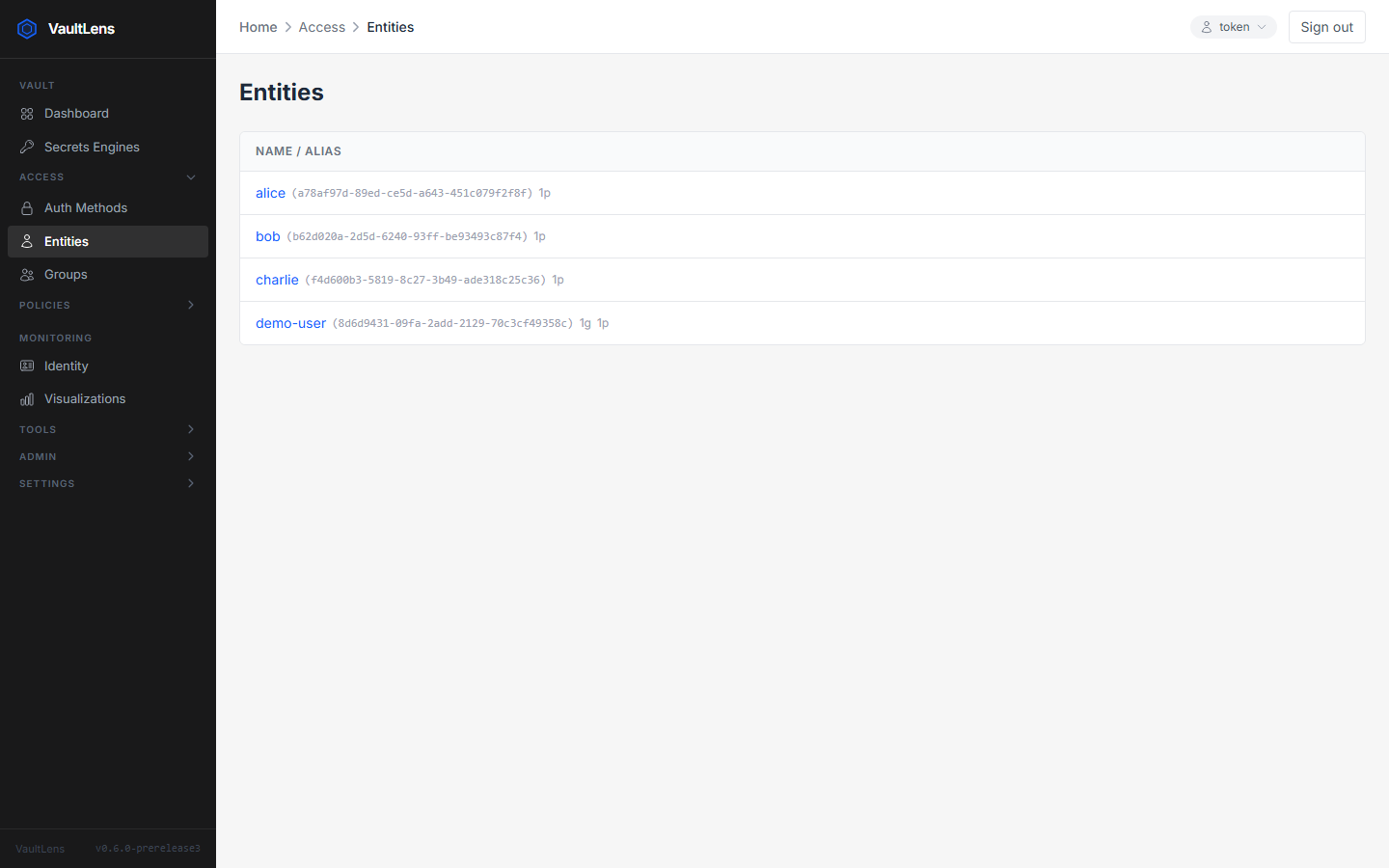
The Access → Entities page lists all identity entities. Each entity represents a logical identity that can have multiple aliases (one per auth method).
Click an entity to see:
- Entity name and ID
- Attached policies
- Aliases (auth method + accessor)
- Group memberships
Groups
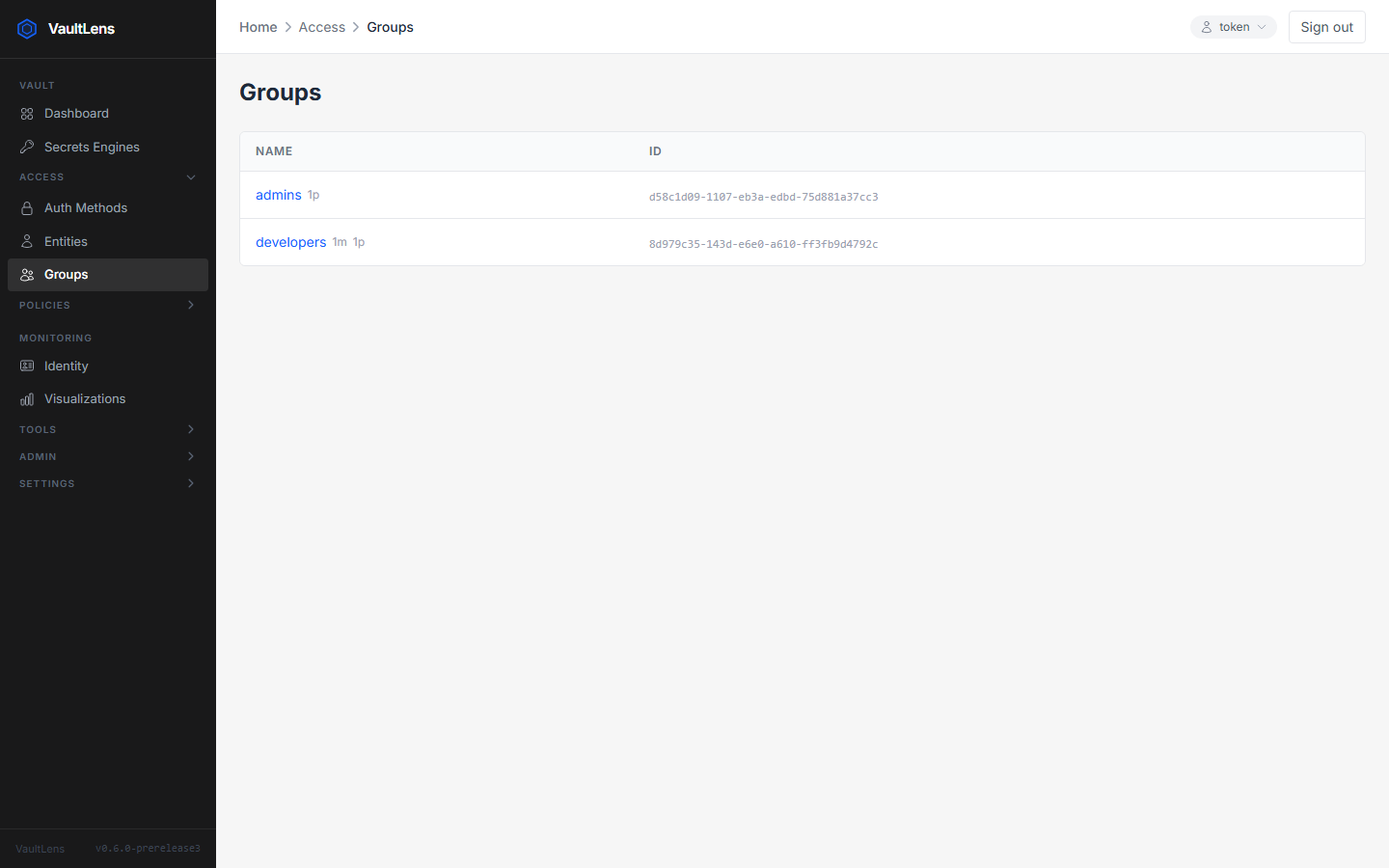
The Access → Groups page lists all identity groups. Groups can be internal (members are explicit entity IDs) or external (members are managed by auth method aliases).
Click a group to see:
- Group name, type, and ID
- Member entities
- Parent groups
- Attached policies
My Identity
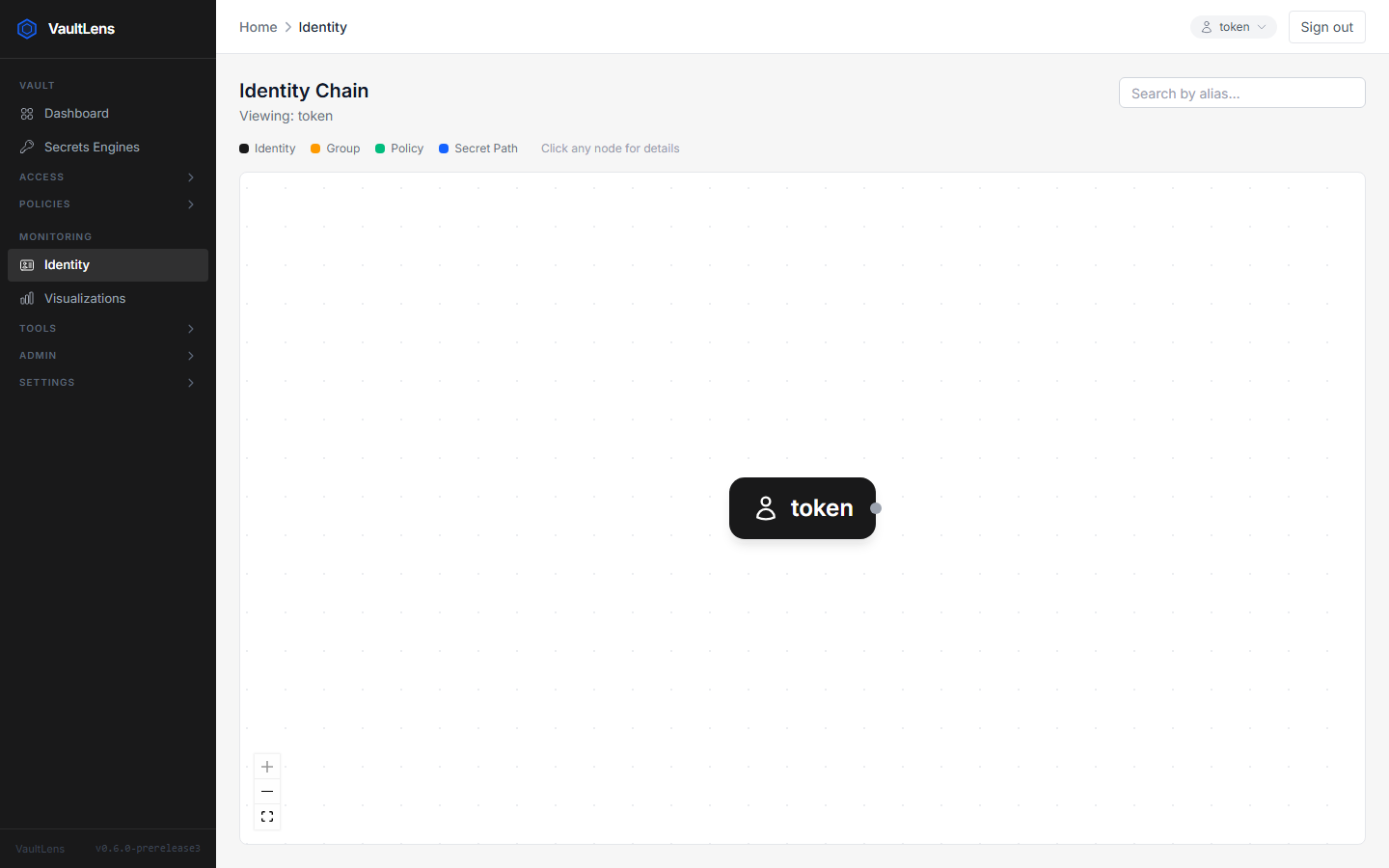
The My Identity page shows a visual graph of the currently logged-in user's identity chain:
Entity → Group Memberships → Policies → Secret PathsThis gives you an immediate picture of what the current user can access.
Friendly Names
VaultLens always resolves human-readable names for entities and groups — UUIDs are never shown as the primary label. Where an ID must also be displayed (e.g., for copy-ability), it appears as secondary text in a small monospace font.