
Getting Started
VaultLens is a web UI for HashiCorp Vault. It connects to your existing Vault instance and lets you browse secrets, manage policies and auth methods, visualise relationships, and share secrets securely — all through a browser.
TIP
VaultLens is currently in beta and under active development. It has no affiliation with HashiCorp.
What You Need
- A running HashiCorp Vault instance (v1.12+)
- A Vault token with the permissions you want to use in VaultLens
- Docker to run VaultLens — no code download required
No Clone Required
VaultLens ships as a pre-built Docker image on GitHub Container Registry. You don't need to clone this repository to run it.
Running VaultLens
Option 1 — Docker (quickest)
The minimal one-liner (stores config in the container — use for testing):
docker run -d \
  --name vaultlens \
  -p 3001:3001 \
  -e VAULT_ADDR=http://your-vault-server:8200 \
  -e VAULT_SYSTEM_TOKEN=your-system-token \
  ghcr.io/jasonrve/vaultlens:latest
For persistent config and backups, add volumes:
docker volume create vaultlens_config
docker volume create vaultlens_backups

docker run -d \
  --name vaultlens \
  -p 3001:3001 \
  -e VAULT_ADDR=http://your-vault-server:8200 \
  -e VAULT_SYSTEM_TOKEN=your-system-token \
  -e VAULTLENS_CONFIG_PATH=/config \
  -e VAULTLENS_BACKUP_PATH=/backups \
  -v vaultlens_config:/config \
  -v vaultlens_backups:/backups \
  ghcr.io/jasonrve/vaultlens:latest
Open http://localhost:3001 in your browser.
Option 2 — Docker Compose
Download just the docker-compose.yml from the repository and run:
curl -O https://raw.githubusercontent.com/Jasonrve/vaultlens/main/docker-compose.yml
export VAULT_ADDR=http://your-vault-server:8200
export VAULT_SYSTEM_TOKEN=your-system-token
docker compose up -d
The compose file creates two named volumes automatically:
vaultlens_config— persists branding, webhooks, and rotation settingsvaultlens_backups— persists backup files
For Kubernetes, see Deployment.
Logging In
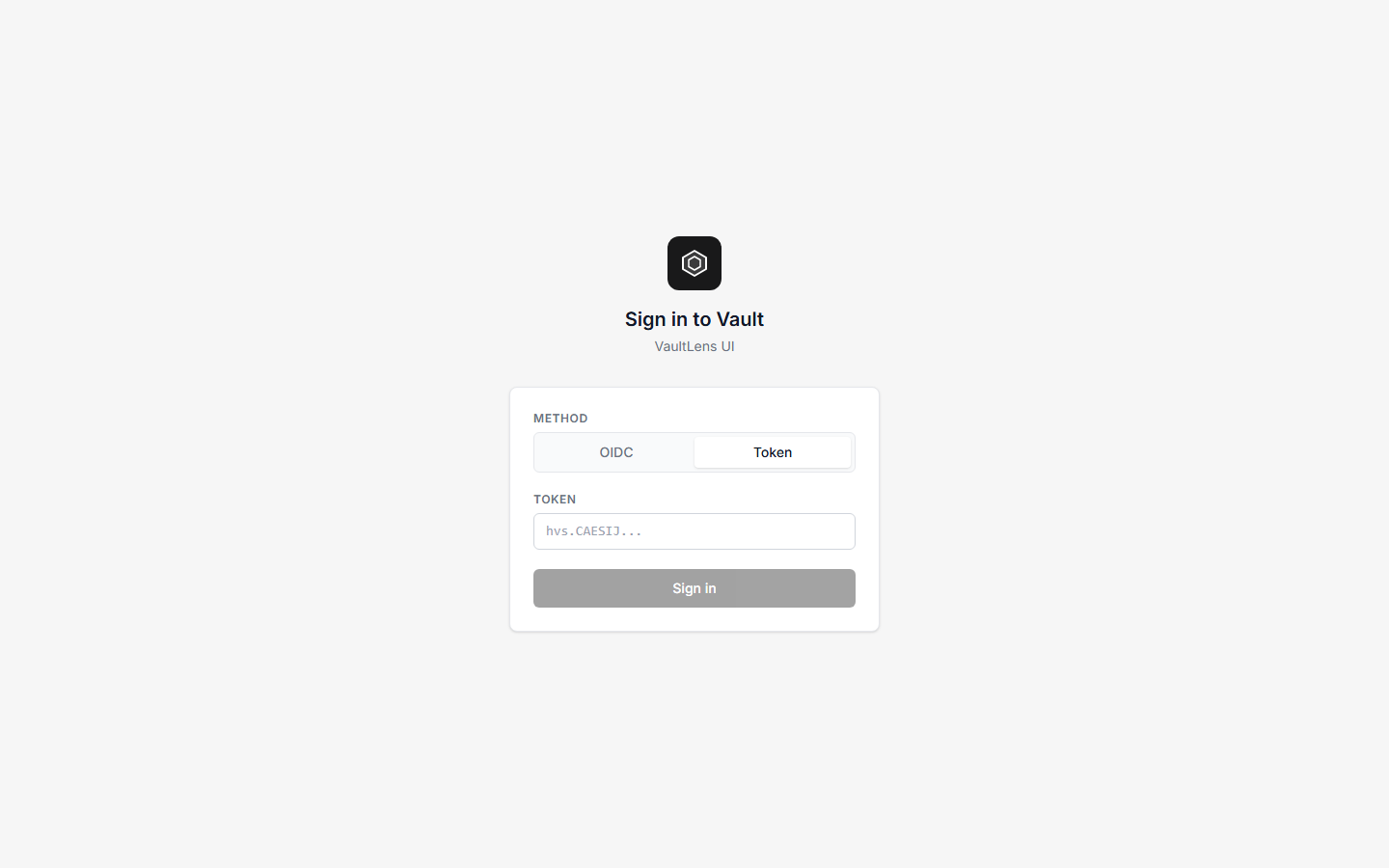
VaultLens supports two ways to log in:
- Vault Token — paste any valid Vault token. It is stored in an httpOnly cookie and never accessible to JavaScript.
- OIDC — if your Vault has an OIDC auth method configured, use the Sign in with OIDC button to authenticate via a popup.
VaultLens is a thin proxy — it never grants you more access than your Vault token allows. Everything you see and do goes through Vault's own ACL engine.
The Dashboard
After logging in you'll see the Dashboard:
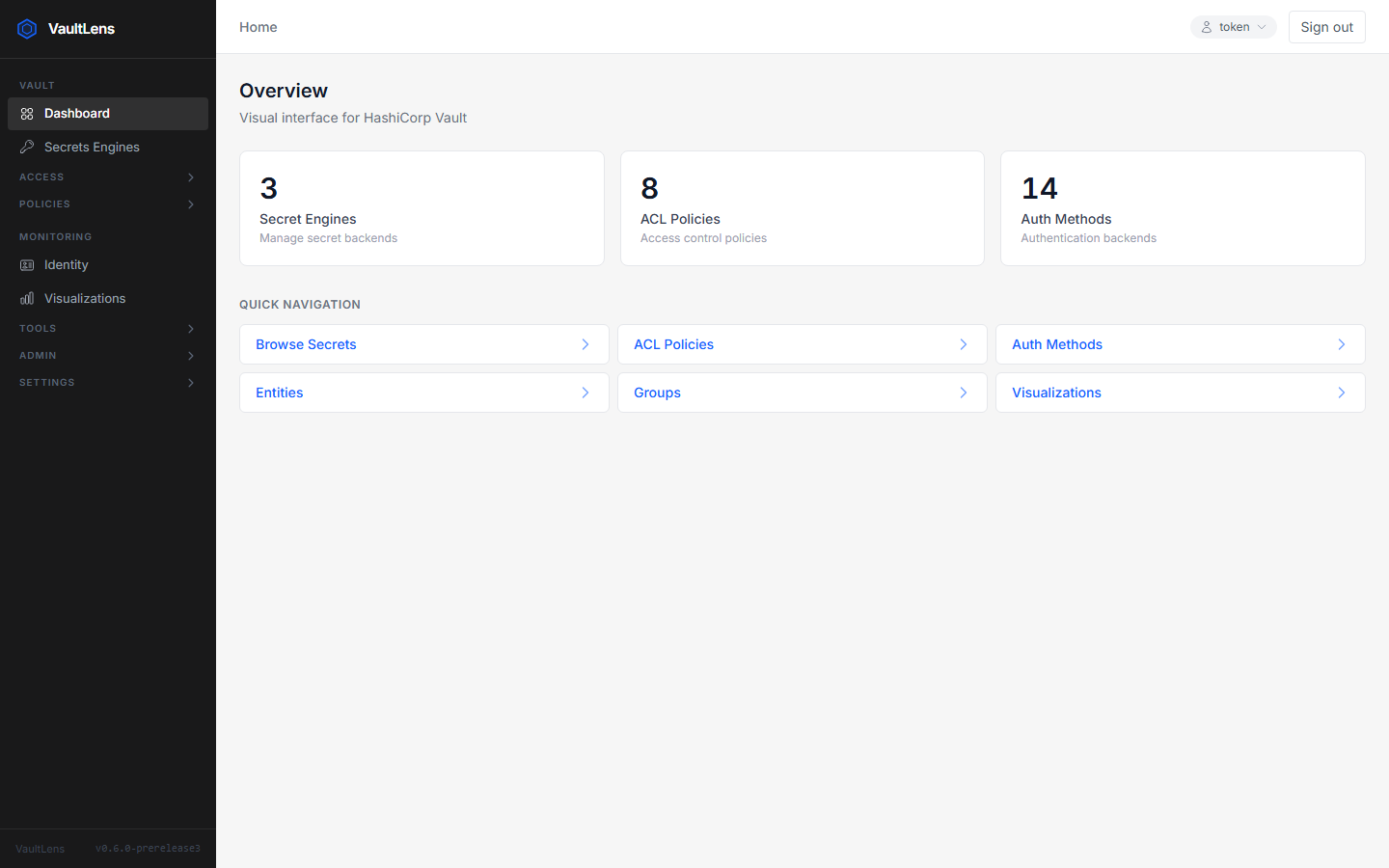
- Secret Engines — number of mounted KV engines
- ACL Policies — total policy count
- Auth Methods — number of enabled auth methods
- Quick Navigation — shortcuts to the most-used sections
First-Time Setup
When VaultLens starts for the first time it may show a Configuration Issues banner. This checks for required policies and audit configuration.
- Click Approve & Fix — VaultLens will create the
vaultlens-adminandvaultlens-systempolicies and register the audit device automatically - Click Skip for now — proceed without background services (rotation, webhooks, and backup scheduling will be unavailable)
After policies are in place, you'll be prompted to configure the System Token using AppRole. This is a one-time setup that enables background services. The wizard uses your own logged-in token to perform the setup and checks that you have the required Vault permissions before proceeding.
What's Next
| I want to… | Go to… |
|---|---|
| Browse and edit secrets | Secret Management |
| Explore policies and access | ACL Policies |
| Visualise Vault relationships | Visualizations |
| Share a secret with a colleague | Secret Sharing |
| Set up automatic secret rotation | Secret Rotation |
| Configure alerts on secret changes | Webhooks |
| Schedule backups | Backup & Restore |
| Check Vault health | Analytics |
| Customise the app name and logo | Branding |
| Configure all environment variables | Configuration |
| Deploy to Kubernetes | Deployment |