
ACL Policies
VaultLens provides a readable breakdown of all Vault ACL policies.
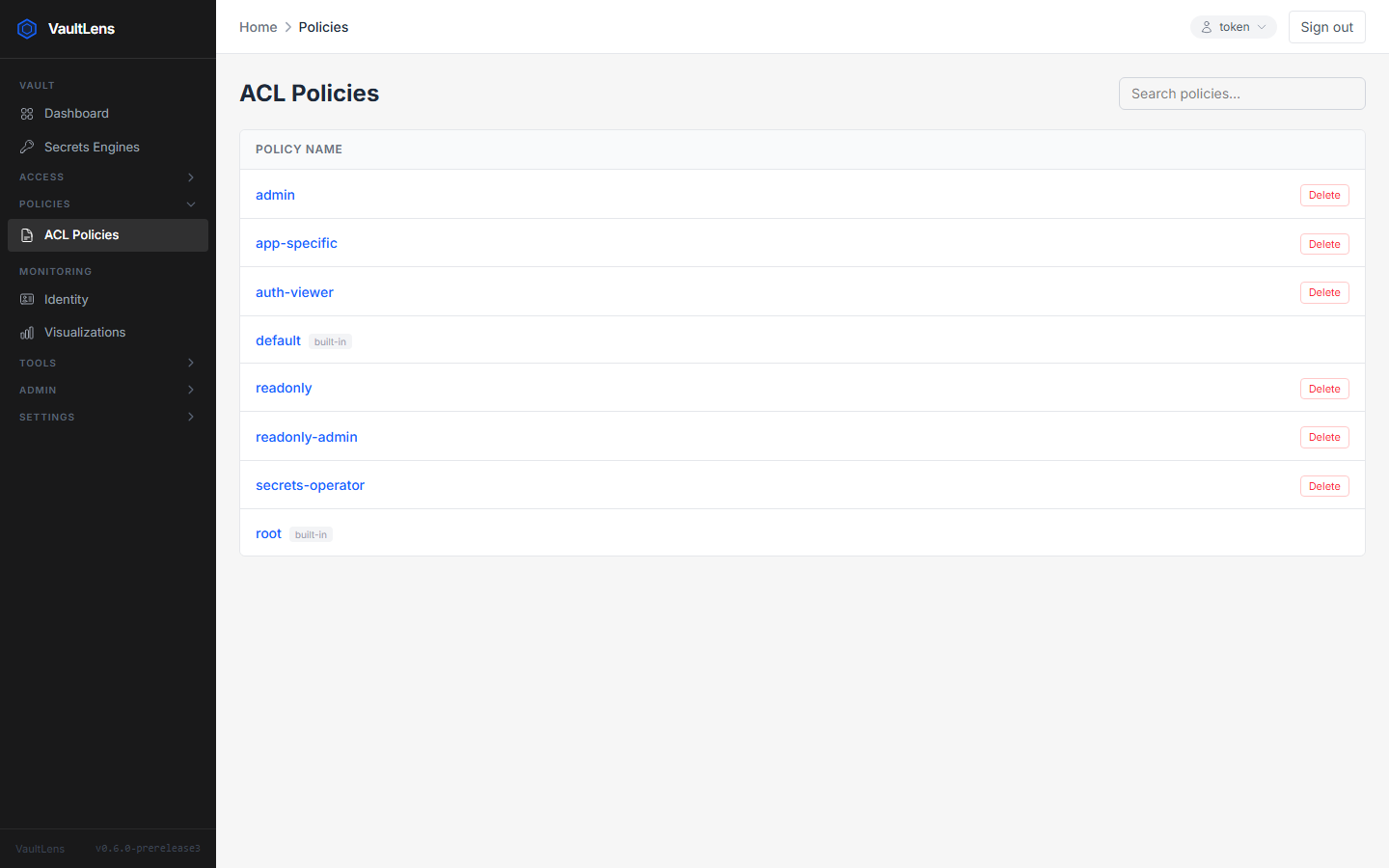
Policy List
The Policies page lists all ACL policies in your Vault instance, including the built-in default and root policies, and VaultLens's own vaultlens-admin and vaultlens-system policies.
Policy Detail
Click any policy to view its rules parsed into a structured table:
| Column | Description |
|---|---|
| Path | The Vault path pattern (may include * wildcards) |
| Capabilities | Allowed operations: create, read, update, delete, list, sudo, deny |
The raw HCL is also shown below the table for reference.
Built-in VaultLens Policies
VaultLens auto-creates two policies at startup if they don't exist:
vaultlens-admin
A thin UI-flag policy granting human administrators access to VaultLens admin features. It has minimal Vault permissions — VaultLens proxies all operations through the user's own token.
Assign to: Human admin users who need access to backup, branding, webhooks, rotation, analytics, and audit log features.
vaultlens-system
Full permissions for VaultLens background services (rotation, audit watching, backup, shared secrets, policy init).
Never assign to human users.
Visualizing Policy Relationships
Use the Visualizations page to see which policies are attached to which auth methods, and which secret paths they grant access to.